Search for Historical Records
You can now find historical records inside of ListShack. Find an address, email, or phone number change of an individual by simply unchecking the new default filter "Exclude historical filters".
This filter is currently available for most of ListShack's consumer databases.
When reusing searches from the Downloads page, you may need to add the "Exclude historical records" filter to ensure that you don't get duplicate records.
Create a List on ListShack
Read instructions and watch a short video to learn how to use ListShack to create a new marketing list
ReadAdd and Manage Team Members
Add and manage team members and sub accounts to your ListShack account.
Read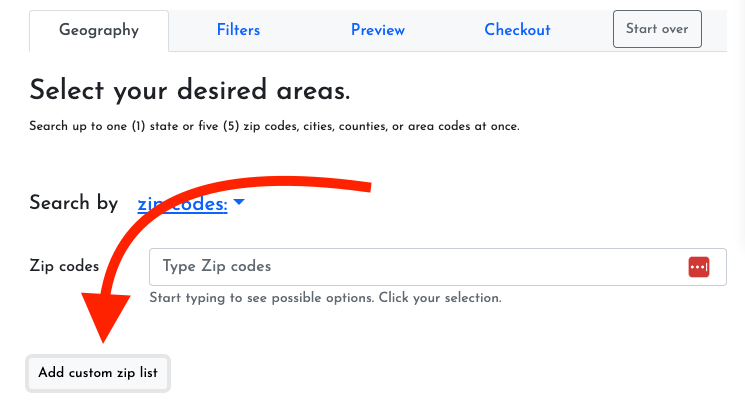
Find and Remove Duplicates from Lists using ListCRM
We're so excited to announce that you can find and remove duplicates from your lists in ListCRM
ReadHow to upload data to ListCRM
Upload data from any CSV file to ListCRM by clicking the "Upload" button on the top of the page from any list. Don't have a list? Create a new one.
Read